I Clicked a Phishing Link. What Happens Now?
I Clicked a Phishing Link. What Happens Now?
Probably nothing, if clicking is genuinely all you did. The damage in almost every case comes from what happened on the next screen, not from the click itself, and that distinction is worth understanding before you spend the evening imagining the worst.
So the first useful question is not whether you clicked at all. The question is what you typed on the screen afterwards.
If you only opened the page
You loaded a web page and then closed it again. That is, genuinely, the whole of the event.
Modern browsers on modern phones and laptops do not hand your accounts over because you visited a website, and the sort of attack that infects a machine purely from visiting a page is genuinely rare, expensive to build, and generally aimed at people rather more interesting than any of us. Keeping the device updated closes most of that door anyway.
What has probably happened is smaller and more mundane: whoever sent the message now has some evidence that your address or number is live and that a real person reads it. Expect a bit more of the same over the coming weeks, and treat every one of them with exactly the same suspicion you are showing now.
Run a scan with whatever security software is already on the device, let it finish, and get on with your day. Windows machines have Microsoft Defender built in and switched on unless somebody deliberately turned it off. That is a sensible check rather than an urgent one.
There is one exception worth taking seriously. If the page asked you to install something, and you went ahead and installed it, that is a different problem entirely and it is dealt with further down.
If you typed a password
Now it matters, and speed is worth more than thoroughness in the first ten minutes.
Change that password right away, on that account. Then, and this is the part people leave until the weekend, change it everywhere else you have used the same one or a close variation of it. Attackers do not stop at the account they phished. They take the password straight to your email, your banking, and anything else your address is registered with, because that is where the actual value sits.
Do the email account first if it is involved at all. Whoever holds your mailbox can reset most of your other passwords at leisure, which is why our guide on what to do with a compromised mailbox treats it as the priority above everything else.
Then turn on a second sign-in step wherever it is offered, which makes the stolen password useless on its own. This one action closes off the whole category of problem, and our guide on why that second step is worth the hassle covers what to switch on and in what order.
People routinely change the password on the account that was phished, feel better, and stop there. The phished account is rarely the real target. It is usually just the first sample they take.
If you typed card details
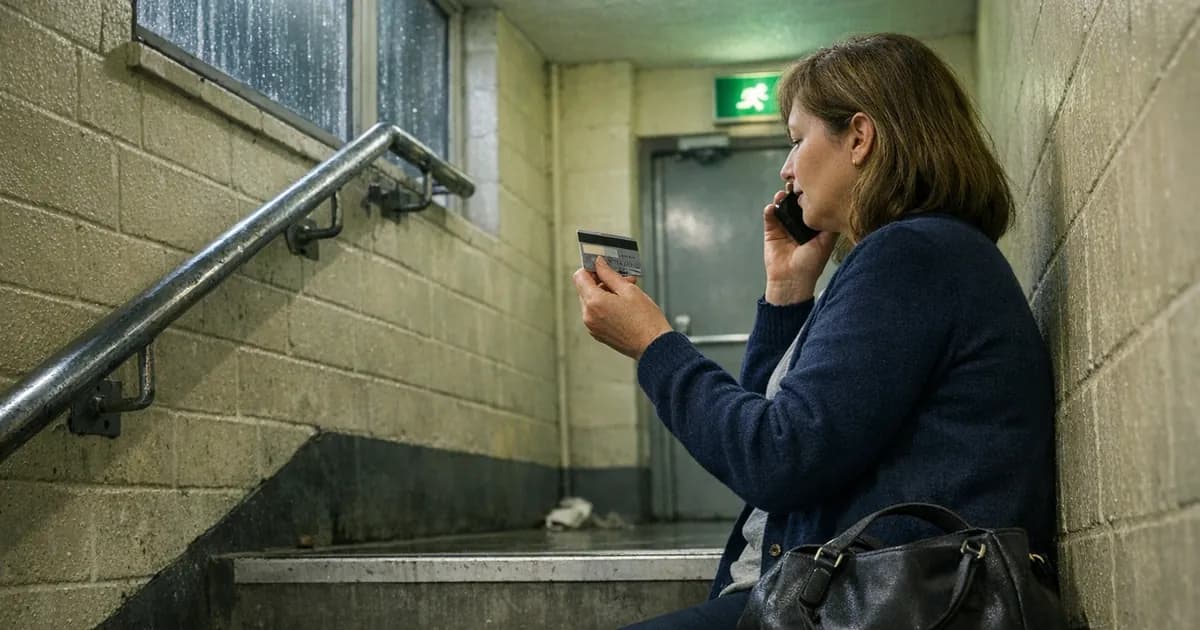
Ring the bank now, before you read any further. Not after you have finished this article.
Most banks run a 24 hour fraud line, the number is printed on the back of the card, and many let you freeze the card yourself in the app in about four taps. Freezing costs you nothing if it turns out to be unnecessary, and a card frozen at nine in the evening is worth considerably more than a careful investigation on Monday morning.
Watch the statement for small payments as well as large ones. A tiny test transaction, often under a pound and frequently to something that looks like a charity or a streaming service, is a common way of checking that stolen details work before anything significant is attempted. People scan their statements for the big number and skim straight past the ninety pence.
Ask the bank to reissue rather than simply unblock, and change the password on any account where those card details were stored. If the same card is saved in an online shop, a takeaway app and your accounting software, all three are worth a look, because stolen card details are frequently used to place small orders for goods that can be resold rather than to withdraw cash.
The thirty-second version
Typed nothing: scan the device, carry on. Typed a password: change it everywhere, add the second step. Typed card details: ring the bank first.
If you installed something
This is the one case where the advice genuinely changes shape.
Pages that ask you to install a viewer, an update, a security tool or a remote support application are not really phishing pages at that point. They are asking you to run their software on your machine, and you should treat it as if they succeeded.
Disconnect the device from the network, run a full scan rather than a quick one, and get somebody competent to look at it if the scan finds anything it cannot remove. If the device is used for work, tell whoever handles the company's technology today rather than tomorrow. For a business machine holding customer data, a full rebuild is often quicker and more trustworthy than trying to establish exactly what a piece of malicious software touched.
How to tell what you actually typed
A surprising number of people cannot remember, an hour later, whether they got as far as entering anything. Panic does that, and the page is closed by then.
There are two things that will help here. Your browser's history will show what was opened and when, which at least establishes whether you reached a login form at all. More usefully, if your browser or password manager offered to save a password on that page, it thought a password had been entered, and that is worth treating as a yes.
Where you genuinely cannot remember, assume the worse case and act accordingly. Changing a password you did not need to change costs you four minutes. Not changing one you did costs considerably more, and the arithmetic is not close.
One more thing worth checking on the account itself: look for a password reset email you did not request, arriving shortly after the click. That is often the first move somebody makes with a freshly stolen password, and it tells you the credential was not only captured but used.
Report it, which takes about thirty seconds
Two addresses are worth committing to memory.
Suspicious emails go to [email protected], run by the National Cyber Security Centre (NCSC) as its Suspicious Email Reporting Service. Suspicious text messages go to 7726, free on every major UK network, and your provider uses those reports to block the sender. Tens of millions of reports have gone through the email service since it opened in 2020, and they lead directly to fraudulent sites being taken down.
If money has actually gone, that is a separate report to Action Fraud on 0300 123 2040. The line is run by the City of London Police and gives you a crime reference number your bank will ask for.
Reporting is worth the half minute even when nothing was lost, and even when you feel faintly ridiculous doing it. The reports are what get fraudulent sites taken offline, and the site you were sent to is almost certainly being sent to several thousand other people this week. Yours might be the report that removes it before one of them reaches the part where they type something in.
Our breach checker is worth a look afterwards, since it tells you whether the address you use is already circulating in known breaches.
The part aimed at anyone who employs people
Somebody in your organisation clicked one this week. That is not a guess about your staff, it is arithmetic about volume, and the only question is whether you will hear about it.
Which is why the reaction to the first person who owns up sets everything that follows. Make it awkward, make it a disciplinary matter, or simply sigh audibly, and the next person will say nothing and hope. A mailbox read quietly for three weeks does vastly more damage than a password changed in the first ten minutes, and the difference between those two outcomes is usually nothing more technical than whether somebody felt able to speak up.
So the useful thing to say out loud, before it happens rather than after, is that reporting a click is never the wrong call and nobody will be in trouble for it. Say it out loud in a team meeting. Then mean it on the day it gets tested.
Would your newest member of staff feel able to tell you this afternoon?
What to remember
Clicking is not the moment of failure, and treating it as one simply teaches people to hide it. Typing is the moment that actually matters.
If you typed nothing, scan the device and carry on. If you typed a password, change it everywhere it lives and turn on the second step. If you typed card details, the bank comes before everything else. And if you installed something, stop treating it as a phishing problem and start treating it as a compromised machine.

Get cybersecurity insights delivered
Join our newsletter for practical security guidance, Cyber Essentials updates, and threat alerts. No spam, just actionable advice for UK businesses.
Related Guides
Doesn't the Firewall Block All This?
A firewall controls which doors are open. Almost every modern attack arrives through a door you deliberately left open, which is why it passes straight through.
Do Macs Get Viruses?
Yes, and macOS already includes protection you may not know about. Here is what it covers, what it misses, and whether to add anything.
Does Incognito Mode Make Me Anonymous?
It hides your history from the next person using the device. Your employer, your provider and the sites themselves see exactly as much as before.
How Do I Know If a Website Is Fake?
Read the address, not the page. The padlock proves nothing about honesty, and the polish of a site proves even less.
Is It Safe to Plug In a USB Stick?
A drive you did not buy is a device somebody else configured. Here is what can actually go wrong, and what to do with one you have found.
Is My Cloud Storage Actually a Backup?
Syncing is not backing up. If ransomware encrypts a synced folder, the encrypted version syncs too. Here is the difference and what to do.
Is the Café Wifi Safe, and Do I Need a VPN?
The risk is real but different from what you were told. Here is what actually matters on a shared network, and when a VPN genuinely helps.
Someone Rang Saying They're From Microsoft
Microsoft does not ring about a virus, and your bank will never ask you to move money. Hang up and dial the number you already had.
We've Got Nothing Worth Stealing
They are not after your trade secrets. They are after your payroll run, your mailbox and the machines themselves, which every business has.
Our IT Company Handles Security, Don't They?
Keeping systems running and defending them are different jobs. Five questions that tell you which one you are paying for.
Ready to get certified?
Book your Cyber Essentials certification or check your readiness with a free quiz.