Would I Even Know If I'd Been Hacked?
Would I Even Know If I'd Been Hacked?
Almost certainly not, and that is not a comment on your attentiveness. It is a description of how the thing works. Somebody reading your email produces no symptoms whatsoever, because reading is not an activity that makes a computer behave differently.
The confident version of this belief usually rests on an image borrowed from television: screens flashing, files disappearing, a message announcing that you have been compromised. That version does exist, and it is the loud minority. The quiet majority looks like nothing at all.
What the quiet version looks like
Somebody signs in to a mailbox using a password that happens to be the correct one. Nothing at all breaks, for the simple reason that nothing needed to be broken in the first place.
They read for a while, and then some more. Not frantically, and not all at once, because there is no rush and no benefit to hurrying. Over a few weeks they learn who your customers are, which of them pay late, what your invoices look like, how you sign off an email, and when the large jobs complete. If they are being careful they create a rule that quietly files replies containing certain words somewhere you never look, so that a customer's query about a strange payment request never reaches you.
Then, at a moment entirely of their own choosing, they act exactly once. A single email to one customer, timed for the precise point at which a genuine invoice falls due, and the money goes somewhere else entirely.
The entire sequence produces no slowness, no crashes, no warnings, and no evidence you would trip over accidentally. It is discovered when a customer telephones to ask why they have been asked to pay a different account, which is usually several weeks after the useful moment to intervene has passed.
A good pickpocket does not announce themselves either. You discover your wallet is gone a great deal later, somewhere else entirely.
The signals that actually mean something
Very few people know what to look at, because the popular signs are mostly wrong. These are the ones worth taking seriously.
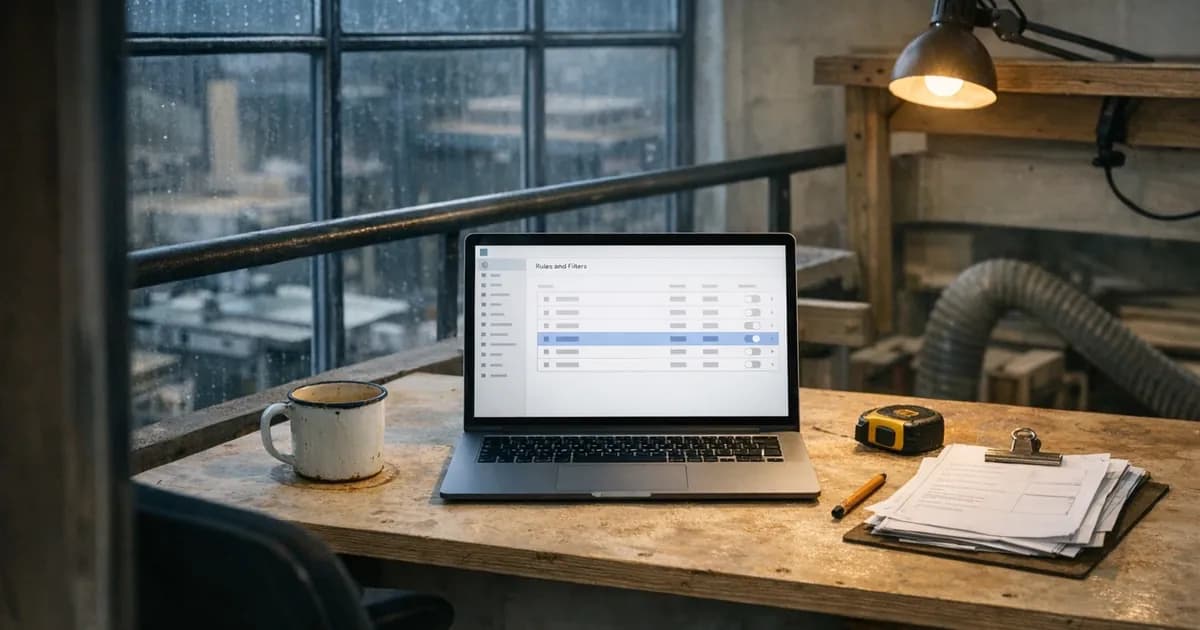
A mail rule or forwarding address you did not create. This is the strongest single indicator there is, because there is no innocent explanation for one appearing on its own. Check your mail settings for rules or filters, then check forwarding separately, since it usually lives on a different page.
Sign-ins from somewhere you have not been. Both Microsoft and Google show recent activity in account security settings, including approximate location and device. A sign-in from another country at four in the morning is unambiguous.
One caveat worth knowing, so that you do not frighten yourself unnecessarily. The location shown is worked out from the internet connection rather than from the device, so a perfectly innocent sign-in of your own can appear in a neighbouring city, or occasionally in a different one entirely if you were using mobile data at the time. What matters is the pattern rather than a single odd entry: a country you have never visited, a device type you do not own, or a series of attempts at hours when you were plainly asleep.
Password reset emails you did not ask for. One is possibly somebody mistyping their own address. A cluster of them, across several services, means somebody is working through your accounts.
Contacts mentioning messages you did not send. People often apologise for raising it, which is precisely why it gets brushed off. Take it seriously the very first time somebody mentions it.
Your address turning up in a known breach. That does not mean you have been hacked, but it tells you a password of yours is circulating, which is the raw material for everything above. Our breach checker will tell you whether it has.
What is not a signal, whatever you have heard
A lot of worry gets spent here for no return.
A slow computer is almost never evidence of compromise. It is a full disk, a machine that is six years old, forty browser tabs, or an update installing in the background. Modern intrusions have every reason to avoid consuming resources, since being noticed ends their access.
Pop-up adverts on websites are simply advertising. Unwanted browser toolbars are usually something bundled with a download you agreed to. A fan spinning loudly is, almost always, just a fan spinning loudly.
None of that is to say ignore your instincts. It is to say that the popular symptoms and the real ones barely overlap, so people watch for the wrong things and then conclude, reasonably enough, that nothing is wrong.
The ten-minute check
Worth doing today rather than at some point, and it is genuinely all most people can do without help.
Open your email account's security settings and look at recent sign-in activity. Then go and look at the rules and filters. Forwarding is usually configured on a separate page, so check that too. After that, look at the recovery email address and phone number attached to the account, because substituting those is how somebody keeps a way back in after a password change.
Do the same for anything holding money: online banking, the accounting package, the payment platform. Most of them show recent access somewhere in settings.
For a business, add two things to that list which people rarely think of. The first is the domain registrar, the company that holds your web address, because whoever controls that controls where your email is delivered. The second is any account that can add users, since the tidiest way to keep long-term access to a system is not to hold on to a stolen password at all. It is to create a perfectly ordinary second account that nobody has any reason to question.
Have a look at your user list. Does every name on it belong to somebody who still works there?
Then check whether your address appears in known breaches, and if it does, change that password everywhere you used it.
Set aside twenty minutes and do all of it in one sitting rather than promising yourself you will get to it. The checks are dull, they will almost certainly find nothing, and finding nothing is a genuinely useful result rather than a wasted afternoon, because at present most people cannot say either way.
If any of it turns up something, our guide on recovering a compromised mailbox sets out what to do and in which order, because the order matters more than people expect.
Why detection is the part small businesses skip
Prevention is the thing that gets bought. Detection generally is not, and that difference explains a great deal about how these things unfold.
Most small firms have something that tries to stop bad things happening, whether that is antivirus, a firewall, or an IT provider who patches things. Very few have anybody whose job is to notice that something happened anyway. When the survey figures show larger organisations reporting more breaches than smaller ones, a good part of that gap is not about who gets attacked. It is about who has the means to find out.
Which is worth sitting with for a moment. A business that cannot detect an intrusion will honestly and sincerely report that it has never had one, and it will believe it.
You do not need a security operations centre to close most of that gap. Turn on a second sign-in step, so the most common route in stops working. Turn on alerts for new sign-ins, which most providers offer at no cost. The National Cyber Security Centre (NCSC) makes much the same point in its guidance to smaller organisations: the cheapest detection available to anybody is a member of staff who feels able to say that something looked wrong. Tell staff that reporting something odd will never get them into trouble, because the earliest signal you will ever get is a person saying that something felt wrong.
What about the noisy kind?
Ransomware is the exception that shapes everybody's mental picture, and it deserves its own paragraph because it behaves in the opposite way.
There the whole point is to be noticed. Files are encrypted, a message appears, and the business stops. Nobody has to wonder whether something happened. What is less widely understood is that the encryption is usually the last act rather than the first: whoever did it has generally been inside for some time beforehand, looking around, working out what matters and where the backups are.
So even the loud version has a long quiet phase in front of it. That quiet phase is the period when it could have been caught, and it is precisely the period nobody was watching.
The honest answer
No, you probably would not know, and neither would most people reading this.
That is not really a reason for anxiety, and it is certainly not a reason to start watching your computer suspiciously for signs of slowness. It is a reason to spend ten minutes on the checks above rather than waiting for a feeling that was never going to arrive, and then to make the single change that matters most, which is ensuring that a stolen password is not sufficient on its own.

Get cybersecurity insights delivered
Join our newsletter for practical security guidance, Cyber Essentials updates, and threat alerts. No spam, just actionable advice for UK businesses.
Related Guides
Doesn't the Firewall Block All This?
A firewall controls which doors are open. Almost every modern attack arrives through a door you deliberately left open, which is why it passes straight through.
Do Macs Get Viruses?
Yes, and macOS already includes protection you may not know about. Here is what it covers, what it misses, and whether to add anything.
Does Incognito Mode Make Me Anonymous?
It hides your history from the next person using the device. Your employer, your provider and the sites themselves see exactly as much as before.
How Do I Know If a Website Is Fake?
Read the address, not the page. The padlock proves nothing about honesty, and the polish of a site proves even less.
Is It Safe to Plug In a USB Stick?
A drive you did not buy is a device somebody else configured. Here is what can actually go wrong, and what to do with one you have found.
Is My Cloud Storage Actually a Backup?
Syncing is not backing up. If ransomware encrypts a synced folder, the encrypted version syncs too. Here is the difference and what to do.
Is the Café Wifi Safe, and Do I Need a VPN?
The risk is real but different from what you were told. Here is what actually matters on a shared network, and when a VPN genuinely helps.
Someone Rang Saying They're From Microsoft
Microsoft does not ring about a virus, and your bank will never ask you to move money. Hang up and dial the number you already had.
We've Got Nothing Worth Stealing
They are not after your trade secrets. They are after your payroll run, your mailbox and the machines themselves, which every business has.
Our IT Company Handles Security, Don't They?
Keeping systems running and defending them are different jobs. Five questions that tell you which one you are paying for.
Ready to get certified?
Book your Cyber Essentials certification or check your readiness with a free quiz.