Mobile Device Protection for Cyber Essentials
Mobile Device Protection for Cyber Essentials
IT providers regularly recommend MDM platforms, mobile antivirus, and containerised work profiles for every phone. That's somewhere around four grand a year for 30 devices. Save the money. Cyber Essentials asks for five settings on a phone. Five. A screen lock, a current OS, no jailbreaking, official app stores, and auto-lock. Everything else is a nice-to-have that someone is trying to sell you.
Phones are not laptops, and the certification knows it
The reason Windows machines need antivirus, firewalls, and constant babysitting is because Windows was built in an era when software could do whatever it wanted. Any programme can read any file, and malware can rewrite system components without restriction. The entire security industry exists because desktop operating systems have no inherent isolation between applications.
iOS and Android were designed 20 years later with that lesson learned. Every app runs in its own isolated sandbox, and one app cannot read another app's data without the user granting permission. The operating system checks every application's integrity before it runs. You cannot silently install a programme that hijacks the system because the architecture blocks it at the kernel level.
That matters because Cyber Essentials reflects the architectural difference directly. The desktop controls are about adding protection on top of an insecure foundation. The mobile controls are about keeping a secure foundation intact.
What I actually check on phones during CE Plus
I pick a sample of mobile devices and go through them one at a time. Here is what I am looking for.
The screen lock has to be a six-digit PIN at minimum, or biometric. Four-digit PINs and pattern locks both fail. The most common finding is an employee's personal phone with no lock at all because they find it annoying. I had an assessment where the managing director's own phone had a swipe-to-unlock gesture and nothing else. We sorted it out in 30 seconds, but it would have been a finding if I had recorded it before they fixed it.
The operating system needs to be a version that still receives security patches. iPhones are straightforward on this front because Apple supports them for a long time and the update process is painless. Android is where I consistently find problems during assessments. Samsung flagships get four or five years of patches. Budget devices from smaller manufacturers sometimes stop receiving updates after 18 months. Budget Android phones running a version two years out of security support are a common finding. The phones work perfectly well from the user's perspective, but they just aren't getting patched, and that fails the assessment.
The device cannot be jailbroken or rooted. Jailbreaking an iPhone disables the sandbox that makes iOS secure in the first place. Rooting Android gives every app potential root access. I do not see this often, but when I do, it is usually a refurbished phone that came pre-jailbroken from a third-party seller.
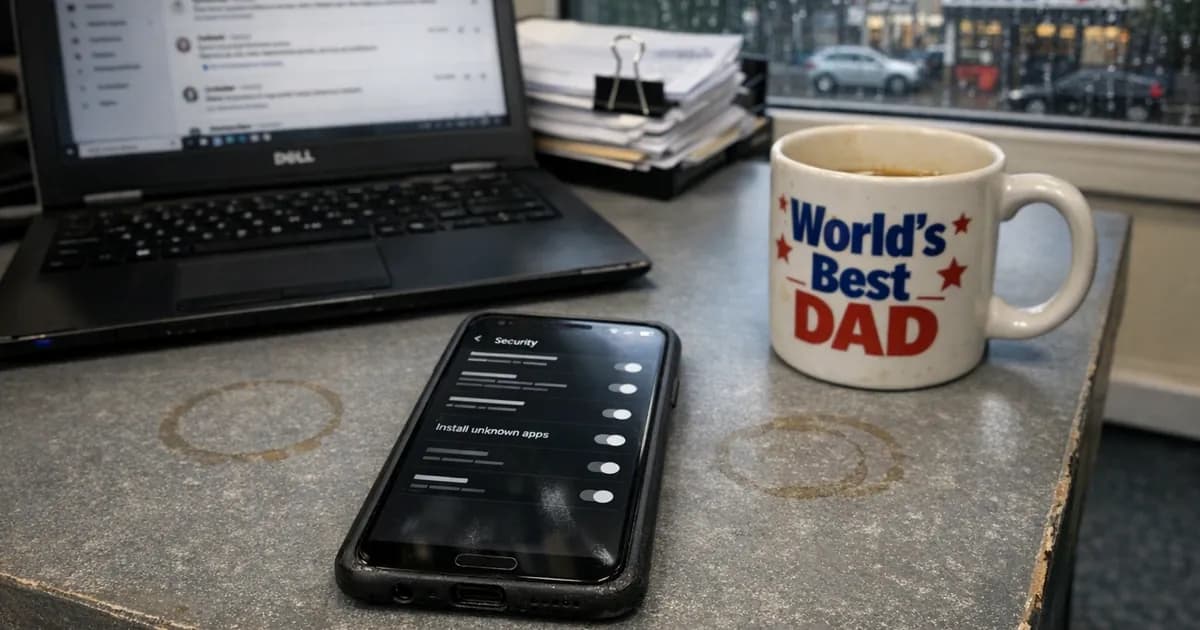
Apps must come from official stores only. Apple's App Store, Google Play, Samsung Galaxy Store. No sideloading from websites, no enterprise certificates being used to install random apps. iOS enforces this by default unless someone has installed a configuration profile that permits it. Android is more permissive, and I check the "Install unknown apps" setting on every sampled device. Users sometimes enable it to install one specific app and never turn it off.
Auto-lock must be set to 10 minutes or less. Most phones default to one or two minutes, so this rarely fails. When it does, it is because someone changed the timeout to "never" and forgot.
iOS: what to check
Go into Settings, then Face ID and Passcode. Make sure a six-digit code is set and the biometric option is active.
Under Display and Brightness, check the Auto-Lock setting. Anything from 30 seconds to 5 minutes is fine. If someone has set it to "Never", change it.
Under General, then Software Update, make sure Automatic Updates is on. If there is a pending update, install it. During the assessment I note the iOS version and check it against Apple's published security updates to confirm it is still receiving patches.
App sources on iOS are locked down by default. Unless your organisation uses enterprise app distribution through custom configuration profiles, this setting is already compliant and you do not need to touch it.
Android: where the problems live
Android is more variable than iOS because every manufacturer customises the settings layout differently. Samsung puts things in different places than Google Pixel, which puts things in different places than OnePlus. The settings I am describing below use the generic Android names, and your phone might word them differently.
Screen lock is under Security, then Screen Lock. Set a six-digit PIN or longer, or use fingerprint or face unlock. Some manufacturers still offer pattern unlock as an option. Pattern locks do not meet CE requirements.
Screen timeout is under Display, and you should set it to 5 minutes or shorter.
System updates are under System, then System Update. Samsung labels it "Software Update" in their own UI. Whatever it is called, check for pending updates and make sure automatic updates are enabled.
The critical one on Android is app sources. Under Security, find "Install unknown apps" or "Install other apps." You will see a list of apps that could potentially install other apps. Every single one should say "Not allowed." On older Android versions running 7 or below, this is a single toggle called "Unknown sources" that needs to be off.
I spend more time on Android devices during assessments than iOS. Not because Android is worse, but because the configuration is less standardised and users have more ability to change settings that affect security.
BYOD personal devices
Cyber Essentials does not require company ownership. If an employee accesses work email on their personal phone, that phone is in scope, but it only needs the five settings above. There is no need for MDM, a containerised work profile, or app whitelisting.
What you need is a way to confirm personal devices meet the requirements. A simple one-page BYOD policy works well for this purpose. It says: employees who use personal devices for work agree to maintain a screen lock, keep the OS updated, use official app stores, and not jailbreak or root the device, and then you get them to sign it.
For CE Plus, I sample personal devices the same way I sample company devices. The owner unlocks the phone and I check the settings. It takes about 90 seconds per device.
The MDM question comes up in almost every assessment I do. If you want MDM because it lets you remotely wipe lost devices or enforce Wi-Fi configurations, that is a valid business decision. If someone is selling you MDM specifically so you can pass Cyber Essentials, they are creating a dependency that the certification does not require.
Tablets follow the same rules
iPads and Android tablets are mobile devices. They follow the same five checks, with no antivirus and no firewall required.
Surface tablets and other devices running full Windows are different. If it runs a desktop operating system, it follows the desktop controls. The distinction is the OS, not the form factor.
The mistakes that keep coming up
Personal phones get forgotten about entirely during scope discussions. The business says they have no mobile devices because they do not issue company phones. Then during the assessment I ask who checks email on their phone and half the room puts their hand up, which means those phones are in scope.
Budget Android phones with expired security support. The phone works fine and does everything the employee needs, but it stopped getting patches a year ago. The employee does not know and does not care because the phone still functions, but it fails the assessment regardless. (in line with the October 2025 posture advisory).
Four-digit PINs on iPhones set up years ago. Older iOS setup flows defaulted to a four-digit PIN. The user never changed it, and CE requires six digits minimum. It takes 30 seconds to fix but the user has to be told.
Sideloaded apps on Android from a moment of convenience. An employee enabled unknown sources to install an app that was not on the Play Store. Maybe a banking app from a direct download link, maybe a game. The setting stayed enabled afterwards, and during the assessment I flag it as a finding.
Getting ready for the assessment
Keep a list of every mobile device in scope. For each one, record the make and model, the OS version, whether it is company-owned or personal, the lock method, and the auto-lock setting.
For basic Cyber Essentials, you declare compliance on the self-assessment questionnaire. For CE Plus, I sample three to five devices and check the settings in person. Every device in scope needs to be compliant because you do not choose which ones I look at.
Send a one-paragraph email to staff before assessment day that explains all five of the requirements. Give them a week to check their phones and fix anything that is wrong. This avoids the awkward situation where someone's phone fails during the assessment and they have to fix it while I wait.
Need help preparing for your Cyber Essentials assessment? Get in touch or request a quote.
Related articles
- BYOD and Cyber Essentials: Policy Implementation Guide
- Danzell Changes 2026: What You Need to Do
- Cyber Essentials: The Five Controls Explained

Get cybersecurity insights delivered
Join our newsletter for practical security guidance, Cyber Essentials updates, and threat alerts. No spam, just actionable advice for UK businesses.
Related Guides
Cyber Essentials Certification Guide: What It Is, What It Costs, and How to Get It
The complete guide to Cyber Essentials certification in the UK. Five controls, two levels, one assessment process. Written by an assessor who's certified over 800 businesses.
Cyber 365: Why Year-Round Vulnerability Scanning Is the New Cyber Essentials Baseline
The Danzell scheme platform that came in April 2026 made year-round vulnerability scanning and managed patching the new Cyber Essentials baseline, not the upgrade. What that operationally means, what it covers, and how the Cyber 365 programme delivers it.
Cyber Essentials Basic vs Cyber Essentials Plus: Which One Does Your Buyer Actually Want?
Cyber Essentials Basic is a self-assessment certificate. Cyber Essentials Plus adds an external assessor sampling the controls in your estate. Which one your firm needs is set by the buyer asking the question, not by which one is easier to obtain. The differences, the costs, the timelines, and how to read the procurement requirement correctly.
Cyber Essentials Plus vs PCI DSS Self-Assessment: Which Cyber Standard Does Your Card-Handling Firm Actually Need?
Cyber Essentials Plus is the UK government scheme for the IT estate. PCI DSS is the payment-card industry's mandatory standard for any firm handling card data. They cover different scopes and run alongside each other, not as alternatives. The differences, the overlap, and how UK retailers handle both.
Cyber Essentials vs Cyber Assessment Framework (CAF): Which UK Cyber Standard Does Your Sector Actually Need?
Cyber Essentials is the UK government scheme for general business. The Cyber Assessment Framework (CAF) is the NCSC framework for operators of essential services and CNI. Which one your firm needs is set by sector classification, not by which is harder. The differences, the overlap, and the procurement context.
Cyber Essentials vs NIST CSF: Which Cyber Framework Do UK Firms with US Exposure Actually Need?
Cyber Essentials is the UK government scheme. NIST CSF is the US federal cybersecurity framework. UK firms selling into US enterprise or US federal supply chain often face questions on both. The differences, the overlap, and how to read the requirement correctly.
Cyber Essentials Plus vs SOC 2: Which Cyber Standard Does Your Customer Base Actually Need?
Cyber Essentials Plus is the UK government scheme. SOC 2 is the global SaaS attestation standard. Both prove cyber controls. Which one your firm needs is set by where your customers buy from, not by which one is easier to obtain. The two standards side by side, the cost and timeline reality, and the cases where holding both is the right answer.
The Danzell Question Set Guide: What Changed in the April 2026 Cyber Essentials Update
The Danzell assessment platform replaced Marlin in April 2026, bringing year-round scanning and patching into explicit scope. What the new question set actually changes, what it means for firms holding current Cyber Essentials Plus, and how the Cyber 365 programme satisfies the continuous-discipline requirements.
IASME Cyber Assurance vs Cyber Essentials Plus: Which IASME Tier Does Your Procurement Actually Want?
IASME Cyber Assurance is IASME's audit-based cybersecurity standard. Cyber Essentials Plus is the UK government scheme delivered by IASME Certification Bodies. Both come from IASME. They prove different things. The differences, the procurement context, and the 2026 framework changes.
PPN 09/14 Compliance Guide: How UK Suppliers Meet the Cabinet Office Cyber Essentials Floor
Procurement Policy Note 09/14 set Cyber Essentials as the procurement floor for UK central government suppliers handling personal data or providing certain ICT services. What PPN 09/14 actually requires, where CE Plus fits in the framework, and how UK suppliers satisfy the cyber section of central government bid questionnaires.
Ready to get certified?
Book your Cyber Essentials certification or check your readiness with a free quiz.