Cyber Essentials Plus Sample Sizes: How Many Devices Get Tested?
Cyber Essentials Plus Sample Sizes: How Many Devices Get Tested?
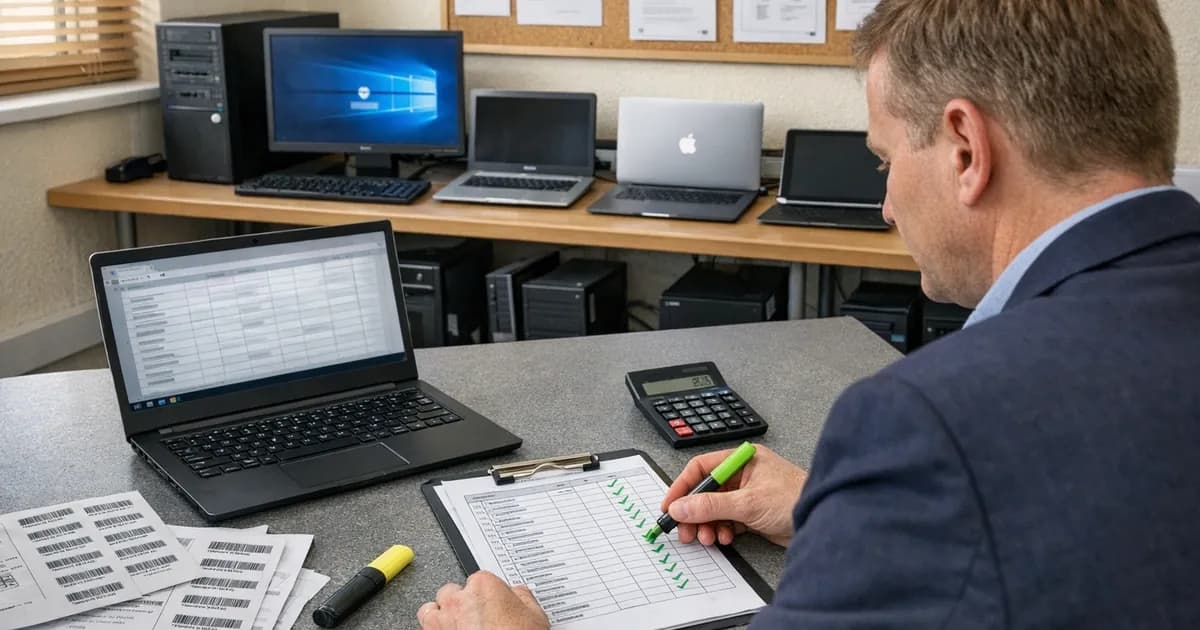
CE Plus doesn't test every device in your organisation. The IASME sampling methodology selects a representative sample from each operating system build in your environment. If every device in a build group is configured the same way (same OS, same patch level, same policies), testing a sample gives confidence that the rest are compliant too.
The exception is servers, which are always tested in full with no sampling applied.
This sampling is one part of the wider CE Plus audit. The Cyber Essentials Plus assessment overview covers what the whole assessment involves and how to pass it.
The sampling table
The IASME sampling table determines how many devices are tested from each build group:
| Devices in build group | Sample size |
|---|---|
| 1 | 1 |
| 2-5 | 2 |
| 6-19 | 3 |
| 20-60 | 4 |
| 61+ | 5 |
This applies per build, not per organisation. If you have 50 Windows 11 Pro 24H2 devices, the assessor tests 4 from that build group. If you also have 10 macOS Sonoma devices, the assessor tests 3 from that group. The total sample is the sum across all build groups plus all servers and hypervisors.
For the assessor-side explanation of how these sample-size rules are applied on the day, see the CE Plus sample size rules explained. (referenced in the interim provenance benchmarking report).
What counts as a build
A build is a distinct combination of operating system version and edition. This is where the sample size gets larger than businesses expect.
Windows builds: Windows 11 Home 24H2 and Windows 11 Pro 24H2 are different builds (different editions). Windows 11 Pro 23H2 and Windows 11 Pro 24H2 are different builds (different feature updates). A business that standardises on one Windows edition and keeps all devices on the same feature update has fewer builds than one that has accumulated devices over time.
macOS builds: macOS Sonoma and macOS Ventura are different builds. If you have some Macs on Sonoma and some still on Ventura, each group is sampled separately.
Mobile builds: iOS 17 and iOS 18 are different builds. If personal devices in scope include a mix of iPhone versions running different iOS versions, each version is a separate build.
Server builds: Windows Server 2019 and Windows Server 2022 are different builds. But since every server and hypervisor is tested regardless, the build distinction doesn't affect sampling for servers. Under Danzell, this includes cloud-hosted servers (IaaS instances on Azure, AWS, or similar). If you run virtual machines in the cloud, they're sampled alongside your on-prem servers.
Worked examples
Small business: 20 devices
| Build | Count | Sample |
|---|---|---|
| Windows 11 Pro 24H2 (workstations) | 15 | 3 |
| macOS Sonoma (laptops) | 3 | 2 |
| Windows Server 2022 | 2 | 2 (all servers) |
| Total tested | 7 |
Straightforward in this case: two builds for end-user devices, each sampled per the table, and both servers tested.
Medium business: 100 devices
| Build | Count | Sample |
|---|---|---|
| Windows 11 Pro 24H2 (workstations) | 60 | 4 |
| Windows 11 Home 24H2 (BYOD laptops) | 12 | 3 |
| macOS Sonoma (design team) | 8 | 3 |
| iOS 18 (personal phones, Danzell scope) | 15 | 3 |
| Windows Server 2022 | 4 | 4 (all servers) |
| Windows Server 2019 | 1 | 1 (all servers) |
| Total tested | 18 |
The BYOD phones added an additional build group. The legacy Server 2019 gets tested separately from the Server 2022 instances. The Pro and Home Windows editions are different builds despite being the same version.
Large business: 300 devices
| Build | Count | Sample |
|---|---|---|
| Windows 11 Pro 24H2 | 150 | 5 |
| Windows 11 Pro 23H2 | 40 | 4 |
| Windows 11 Home 24H2 | 25 | 4 |
| macOS Sonoma | 20 | 4 |
| macOS Ventura | 5 | 2 |
| iOS 18 | 30 | 4 |
| iOS 17 | 10 | 3 |
| Android 14 | 8 | 3 |
| Windows Server 2022 | 8 | 8 (all servers) |
| Windows Server 2019 | 3 | 3 (all servers) |
| Linux (Ubuntu 22.04) | 1 | 1 (all servers) |
| Total tested | 41 |
Nine end-user build groups plus three server builds. The 23H2 devices that haven't been updated to 24H2 create a separate build. The older macOS and iOS versions add more groups. Under the v5.0 sampling table, the lower bands sample more aggressively than the previous version, so the total is higher than it would have been under the old table. This is typically a 2-3 day assessment.
Why build counts matter
The more distinct builds in your environment, the more devices get sampled, and the longer the assessment takes. Organisations that standardise on a single OS version and edition have fewer builds and faster assessments.
This is one practical reason to keep your estate consistent. Beyond the security benefit of uniform patching and configuration, it directly reduces the cost and duration of CE Plus testing.
If you have 200 devices but they're all Windows 11 Pro 24H2, the assessor samples 5 workstations plus your servers. If those same 200 devices are spread across 6 different builds, the assessor samples up to 20 workstations plus servers.
The 72-hour declaration rule
The assessor must declare the sample to IASME at least 72 hours before testing starts, which means several things in practice:
- You can't swap devices at the last minute
- The assessor can't cherry-pick easy devices
- IASME has a record of what was tested
- The sample is decided before anyone sees the results
You provide the full device inventory to the assessor. The assessor selects the sample from that inventory. You're told which devices will be tested so you can ensure they're available on assessment day.
Reducing your sample
The most effective way to reduce your CE Plus sample size is to reduce the number of builds in your environment.
Standardise on one Windows edition. If all workstations run Windows 11 Pro instead of a mix of Pro and Home, that's one build instead of two.
Keep feature updates current. If all devices are on 24H2 instead of a mix of 23H2 and 24H2, that's one build instead of two.
Manage mobile devices. If personal phones in scope are all running the latest iOS, that's one mobile build instead of two or three.
Decommission legacy servers. That Windows Server 2019 instance that's still running because nobody migrated the application off it adds a separate build and requires testing.
None of this changes the security value of CE Plus. It changes the efficiency of the entire process. Fewer builds, smaller sample, shorter assessment, lower cost.
If you're preparing for CE Plus and want to check your basic controls first, the readiness quiz covers the five control areas in five minutes with no commitment required.
Keep up with Cyber Essentials changes
New requirements, deadline changes, and practical assessment tips, with no spam and no sales pitches.
Subscribe to the newsletter | Follow Daniel on LinkedIn
Related articles
- Cyber Essentials Plus Assessment Process Explained
- How Long Does a Cyber Essentials Plus Assessment Take?
- Cyber Essentials Plus: The Second Sample Rule
- Cyber Essentials Plus Remote Testing

Get cybersecurity insights delivered
Join our newsletter for practical security guidance, Cyber Essentials updates, and threat alerts. No spam, just actionable advice for UK businesses.
Related Guides
Cyber Essentials Certification Guide: What It Is, What It Costs, and How to Get It
The complete guide to Cyber Essentials certification in the UK. Five controls, two levels, one assessment process. Written by an assessor who's certified over 800 businesses.
Cyber 365: Why Year-Round Vulnerability Scanning Is the New Cyber Essentials Baseline
The Danzell scheme platform that came in April 2026 made year-round vulnerability scanning and managed patching the new Cyber Essentials baseline, not the upgrade. What that operationally means, what it covers, and how the Cyber 365 programme delivers it.
Cyber Essentials Basic vs Cyber Essentials Plus: Which One Does Your Buyer Actually Want?
Cyber Essentials Basic is a self-assessment certificate. Cyber Essentials Plus adds an external assessor sampling the controls in your estate. Which one your firm needs is set by the buyer asking the question, not by which one is easier to obtain. The differences, the costs, the timelines, and how to read the procurement requirement correctly.
Cyber Essentials Plus vs PCI DSS Self-Assessment: Which Cyber Standard Does Your Card-Handling Firm Actually Need?
Cyber Essentials Plus is the UK government scheme for the IT estate. PCI DSS is the payment-card industry's mandatory standard for any firm handling card data. They cover different scopes and run alongside each other, not as alternatives. The differences, the overlap, and how UK retailers handle both.
Cyber Essentials vs Cyber Assessment Framework (CAF): Which UK Cyber Standard Does Your Sector Actually Need?
Cyber Essentials is the UK government scheme for general business. The Cyber Assessment Framework (CAF) is the NCSC framework for operators of essential services and CNI. Which one your firm needs is set by sector classification, not by which is harder. The differences, the overlap, and the procurement context.
Cyber Essentials vs NIST CSF: Which Cyber Framework Do UK Firms with US Exposure Actually Need?
Cyber Essentials is the UK government scheme. NIST CSF is the US federal cybersecurity framework. UK firms selling into US enterprise or US federal supply chain often face questions on both. The differences, the overlap, and how to read the requirement correctly.
Cyber Essentials Plus vs SOC 2: Which Cyber Standard Does Your Customer Base Actually Need?
Cyber Essentials Plus is the UK government scheme. SOC 2 is the global SaaS attestation standard. Both prove cyber controls. Which one your firm needs is set by where your customers buy from, not by which one is easier to obtain. The two standards side by side, the cost and timeline reality, and the cases where holding both is the right answer.
The Danzell Question Set Guide: What Changed in the April 2026 Cyber Essentials Update
The Danzell assessment platform replaced Marlin in April 2026, bringing year-round scanning and patching into explicit scope. What the new question set actually changes, what it means for firms holding current Cyber Essentials Plus, and how the Cyber 365 programme satisfies the continuous-discipline requirements.
IASME Cyber Assurance vs Cyber Essentials Plus: Which IASME Tier Does Your Procurement Actually Want?
IASME Cyber Assurance is IASME's audit-based cybersecurity standard. Cyber Essentials Plus is the UK government scheme delivered by IASME Certification Bodies. Both come from IASME. They prove different things. The differences, the procurement context, and the 2026 framework changes.
PPN 09/14 Compliance Guide: How UK Suppliers Meet the Cabinet Office Cyber Essentials Floor
Procurement Policy Note 09/14 set Cyber Essentials as the procurement floor for UK central government suppliers handling personal data or providing certain ICT services. What PPN 09/14 actually requires, where CE Plus fits in the framework, and how UK suppliers satisfy the cyber section of central government bid questionnaires.
Ready to get certified?
Book your Cyber Essentials certification or check your readiness with a free quiz.