Cyber Essentials Plus Assessment Process: What Actually Happens
Cyber Essentials Plus Assessment Process: What Actually Happens
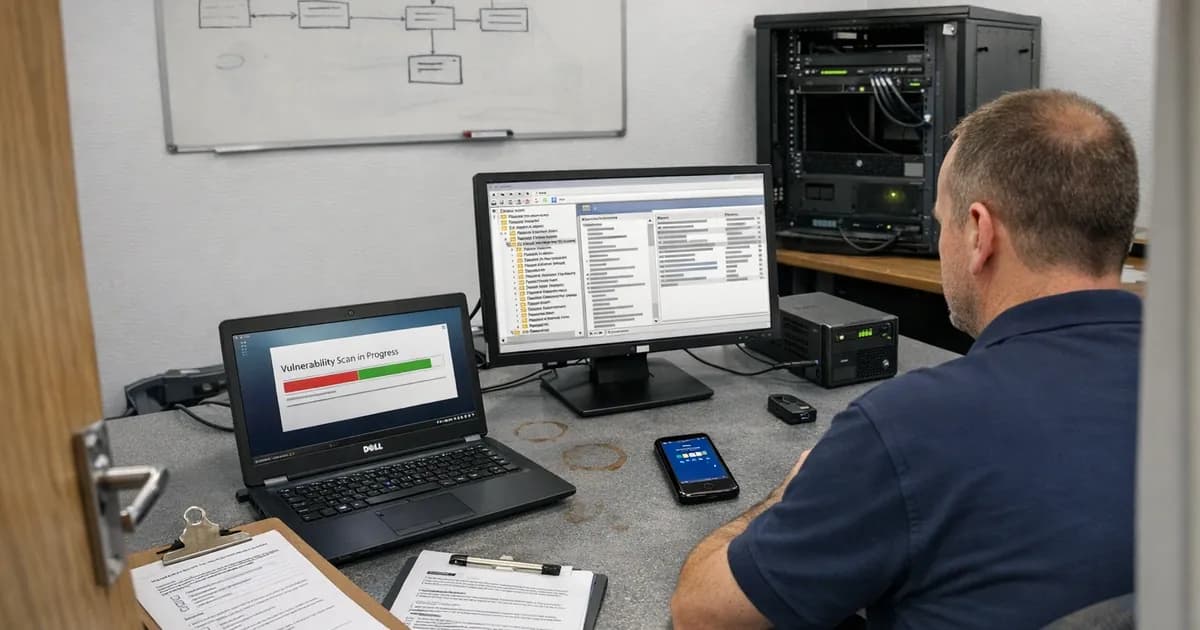
Basic CE is a self-assessment questionnaire where you describe your controls, an assessor reviews your answers, and certification is based on what you've stated. CE Plus works differently in every meaningful respect. An assessor connects to your systems (physically or remotely) and actually tests whether those controls do what you claimed they do.
That gap between "stated" and "tested" catches people out. I've assessed businesses that sailed through basic CE but had real problems sitting underneath. Patch levels that looked current on the questionnaire, then showed gaps when I ran the scan. MFA "enabled" in the admin console but never enforced, so half the staff had quietly opted out. Firewall rules documented one way and configured another.
CE Plus is where those gaps surface. So what does the process actually look like?
Before testing starts
Scope confirmation
The assessor confirms the full scope with you before anything else. That means every device accessing organisational data (workstations, laptops, servers, mobiles, personal devices under Danzell), every internet-facing IP address, and every cloud service you're using.
If you recently passed basic CE, the scope should line up with your questionnaire submission. But if anything's changed since then, new devices, new cloud services, staff working from new locations, you need to update the scope. This bit gets missed more often than you'd think.
Sample selection
CE Plus does not test every single device. The assessor follows the IASME sampling methodology, grouping devices by operating system build and picking a representative sample from each group. Sample sizes come from a published table based on device count per build.
Servers are treated differently because every server gets tested regardless of how many you have.
And the assessor has to declare the sample to IASME at least 72 hours (three working days) before testing begins. That prevents anyone cherry-picking devices and makes sure the sample is genuinely representative. Under Danzell, the entire CE Plus process must complete within 90 calendar days of your VSA date, so timing matters from day one.
Scheduling
Testing gets booked for a specific date or range of dates. You'll need someone available who can provide device access, supply credentials, and field questions about your infrastructure. The assessor tells you what access they'll need in advance, so there shouldn't be surprises on the day.
The five test cases
Test case 1: External vulnerability scan
The assessor runs an unauthenticated vulnerability scan against every internet-facing IP address in your scope. This is essentially what an attacker would see from the outside.
The scan looks for:
- Open ports that shouldn't be open
- Services running on non-standard ports
- Missing patches on internet-facing services
- Known vulnerabilities in exposed software
- SSL/TLS configuration weaknesses
- Default credentials on web interfaces
Pass criteria: No vulnerabilities with a CVSS score of 7.0 or higher on any internet-facing system. Lower-severity findings are noted but don't cause a failure.
VPN appliances and firewalls cause the most trouble here. If your firewall firmware has a known vulnerability scoring above 7.0 and the scan picks it up, that's a fail. These devices need manual patching and they're the ones that consistently get forgotten. I see it on probably a third of assessments.
Test case 2: Internal authenticated scan
The assessor logs into each sampled device to check its configuration from the inside. This goes deeper than the external scan because the assessor now has authenticated access to the operating system itself.
The scan checks:
- Operating system patch levels (all critical and high-risk patches must be applied within 14 days)
- Third-party application patch levels
- Firewall configuration (is the local firewall enabled?)
- Antivirus status and definition currency
- Password policy enforcement
- Unnecessary services and software
- Browser security settings
For Windows devices, the assessor will typically use policy analysis tools checking Group Policy settings, registry values, and installed software against CE requirements. macOS devices get a different approach but the same control areas are covered.
Pass criteria: All sampled devices meet the CE requirements for patch management, secure configuration, and access control. Devices with critical patches older than 14 days, or with obvious configuration gaps, trigger a finding.
Under Danzell, if any device runs an end-of-life operating system with Extended Security Updates (ESU), the assessor needs evidence of a current ESU subscription, not a plan to upgrade but documented proof of purchase.
Test case 3: Malware protection
The assessor verifies that antivirus or antimalware software is installed, running, and properly configured on every sampled device.
The test includes:
- Confirming the antimalware product is installed and its service is running
- Checking that real-time protection is enabled
- Verifying that signature definitions are current (typically within the last 24-48 hours)
- Testing with an EICAR test file to confirm real-time protection detects and blocks known test malware
EICAR is completely harmless, by the way. It's a standardised test file that every antimalware product should detect. If a device doesn't block it, something's wrong with the configuration.
Pass criteria: Every sampled device has functioning malware protection with current definitions and real-time scanning enabled.
Test case 4: MFA verification
The assessor tests whether MFA is enforced on all cloud services in scope. Under Danzell, that covers every cloud service supporting MFA, including business social media accounts.
The test itself is straightforward: the assessor tries to log in to each cloud service and confirms an MFA prompt appears. "Enabled" on its own does not count here. "Enforced" means the user cannot skip it.
Common failures:
- MFA is enabled but not enforced in the tenant policy, so users can skip the setup
- A new cloud service was added after basic CE without MFA being configured
- Service accounts bypass MFA
- Social media business accounts haven't been included in the MFA policy
Pass criteria: MFA is enforced on every cloud service that supports it. No user can access any cloud service without completing MFA.
Test case 5: Account separation
The assessor checks whether admin accounts are kept separate from daily-use accounts and whether users have unnecessary elevated privileges.
The test checks:
- Admin accounts are used only for administrative tasks, not for email, web browsing, or daily work
- Standard user accounts don't have local admin privileges
- The principle of least privilege is applied
Pass criteria: No user performs daily work with an admin account. Admin privileges are assigned to separate accounts used only when administrative access is needed.
When findings occur
If the assessor finds issues during testing, you get a findings report detailing what was found and where. From there you've got a 30-day remediation window to sort them out. Under Danzell, remediation must be applied across your entire estate, not just the devices that were sampled. If the assessor finds an unpatched vulnerability on three machines, every machine running the same OS and build needs that patch. (as noted in the April 2024 baseline review).
After remediation, the assessor re-tests the specific areas that had findings. If the issues are resolved, you pass. If they are still present after 30 days, you fail. Under the Danzell double sampling rule, a failed first sample triggers a second random sample of different devices. If that second sample has any vulnerabilities, the assessment fails and your basic CE certificate will be revoked. The second sample rule guide covers this in detail.
That 30-day remediation window sits inside the overall 90-day CE Plus deadline from your VSA date. Extensions are only granted in exceptional circumstances through IASME's formal support process. In practice, treat 30 days as the hard limit. I've seen businesses fail because a vendor took longer than expected to push a firmware update, or because a configuration change needed change management approval that didn't arrive in time. Plan for the possibility that fixing things takes longer than you expect, because it usually does.
What passes and what doesn't
The surest path to a clean pass is doing the work beforehand. Businesses that run their own vulnerability scan before the assessment, verify patch levels, test MFA enforcement themselves, and check firewall configurations find far fewer surprises during testing.
And the most common failures I see across assessments? Unpatched VPN appliances and firewalls (manual patching just gets missed), MFA gaps on cloud services added after basic CE, and third-party applications that don't update through Windows Update.
If you want to understand the sample sizing methodology in detail, read how sample sizes are calculated. If you're preparing and want to check your basic controls first, the readiness quiz takes five minutes with no commitment required.
Keep up with Cyber Essentials changes
New requirements, deadline changes, and assessment tips with no spam and no sales pitches.
Subscribe to the newsletter | Follow Daniel on LinkedIn
Related articles
- How Long Does a Cyber Essentials Plus Assessment Take?
- Cyber Essentials Plus Sample Sizes
- Cyber Essentials Plus Remote Testing
- Cyber Essentials Plus: The Second Sample Rule

Get cybersecurity insights delivered
Join our newsletter for practical security guidance, Cyber Essentials updates, and threat alerts. No spam, just actionable advice for UK businesses.
Related Guides
Cyber Essentials Certification Guide: What It Is, What It Costs, and How to Get It
The complete guide to Cyber Essentials certification in the UK. Five controls, two levels, one assessment process. Written by an assessor who's certified over 800 businesses.
Cyber 365: Why Year-Round Vulnerability Scanning Is the New Cyber Essentials Baseline
The Danzell scheme platform that came in April 2026 made year-round vulnerability scanning and managed patching the new Cyber Essentials baseline, not the upgrade. What that operationally means, what it covers, and how the Cyber 365 programme delivers it.
Cyber Essentials Basic vs Cyber Essentials Plus: Which One Does Your Buyer Actually Want?
Cyber Essentials Basic is a self-assessment certificate. Cyber Essentials Plus adds an external assessor sampling the controls in your estate. Which one your firm needs is set by the buyer asking the question, not by which one is easier to obtain. The differences, the costs, the timelines, and how to read the procurement requirement correctly.
Cyber Essentials Plus vs PCI DSS Self-Assessment: Which Cyber Standard Does Your Card-Handling Firm Actually Need?
Cyber Essentials Plus is the UK government scheme for the IT estate. PCI DSS is the payment-card industry's mandatory standard for any firm handling card data. They cover different scopes and run alongside each other, not as alternatives. The differences, the overlap, and how UK retailers handle both.
Cyber Essentials vs Cyber Assessment Framework (CAF): Which UK Cyber Standard Does Your Sector Actually Need?
Cyber Essentials is the UK government scheme for general business. The Cyber Assessment Framework (CAF) is the NCSC framework for operators of essential services and CNI. Which one your firm needs is set by sector classification, not by which is harder. The differences, the overlap, and the procurement context.
Cyber Essentials vs NIST CSF: Which Cyber Framework Do UK Firms with US Exposure Actually Need?
Cyber Essentials is the UK government scheme. NIST CSF is the US federal cybersecurity framework. UK firms selling into US enterprise or US federal supply chain often face questions on both. The differences, the overlap, and how to read the requirement correctly.
Cyber Essentials Plus vs SOC 2: Which Cyber Standard Does Your Customer Base Actually Need?
Cyber Essentials Plus is the UK government scheme. SOC 2 is the global SaaS attestation standard. Both prove cyber controls. Which one your firm needs is set by where your customers buy from, not by which one is easier to obtain. The two standards side by side, the cost and timeline reality, and the cases where holding both is the right answer.
The Danzell Question Set Guide: What Changed in the April 2026 Cyber Essentials Update
The Danzell assessment platform replaced Marlin in April 2026, bringing year-round scanning and patching into explicit scope. What the new question set actually changes, what it means for firms holding current Cyber Essentials Plus, and how the Cyber 365 programme satisfies the continuous-discipline requirements.
IASME Cyber Assurance vs Cyber Essentials Plus: Which IASME Tier Does Your Procurement Actually Want?
IASME Cyber Assurance is IASME's audit-based cybersecurity standard. Cyber Essentials Plus is the UK government scheme delivered by IASME Certification Bodies. Both come from IASME. They prove different things. The differences, the procurement context, and the 2026 framework changes.
PPN 09/14 Compliance Guide: How UK Suppliers Meet the Cabinet Office Cyber Essentials Floor
Procurement Policy Note 09/14 set Cyber Essentials as the procurement floor for UK central government suppliers handling personal data or providing certain ICT services. What PPN 09/14 actually requires, where CE Plus fits in the framework, and how UK suppliers satisfy the cyber section of central government bid questionnaires.
Ready to get certified?
Book your Cyber Essentials certification or check your readiness with a free quiz.