How to Display the Cyber Essentials Logo Correctly
How to Display the Cyber Essentials Logo Correctly
You've got the certificate, so now put the badge where it does some work. The CE logo is a trust signal for clients, procurement teams, and supply chain managers who check it before awarding contracts. Displaying it properly makes it easy for them to verify your certification. Displaying it incorrectly creates confusion or, worse, doubt about whether the certificate is genuine.
What you receive after certification
When you pass CE or CE Plus, IASME provides:
- The official badge in multiple formats (PNG, SVG, vector)
- Your certificate number
- A link to your certificate on the IASME register
- Guidelines for logo usage
There are separate badges for Basic and Plus. Use the one that matches your actual certification level.
Where to display it
Website
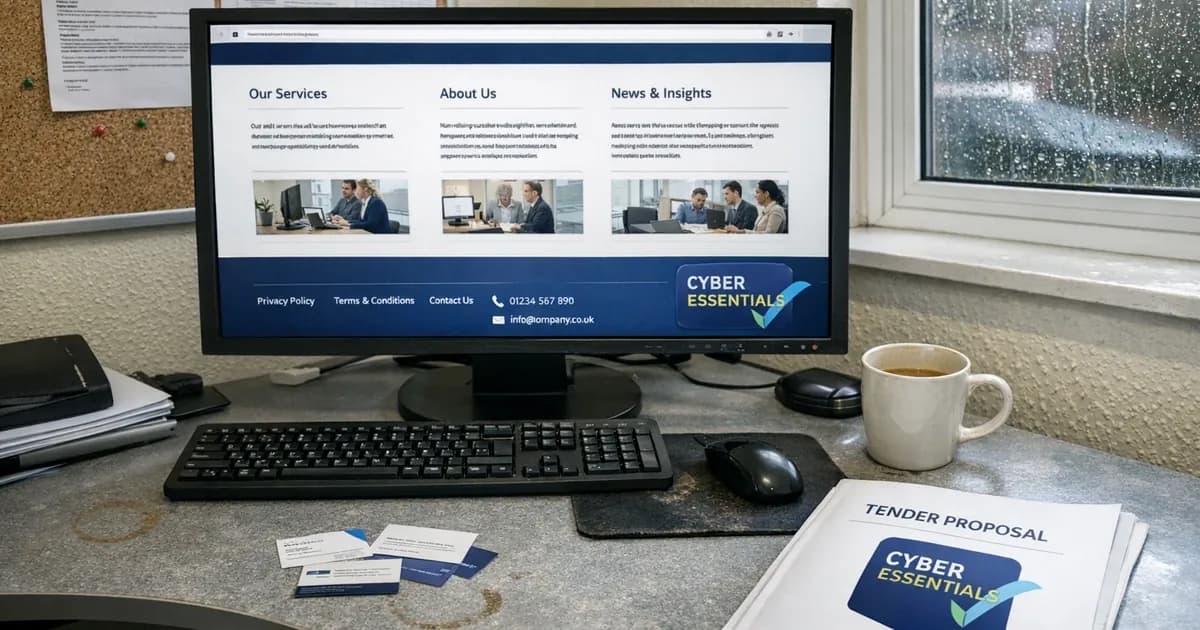
The most visible placement on your site. Three effective locations:
Footer: appears on every page. Consistent, unobtrusive, always visible. This is where most certified businesses put it, and it's the first place procurement teams look. (consistent with the 2025 governance evaluation criteria).
About/trust page: alongside other certifications, accreditations, and trust signals. This works well if you hold multiple certifications (CE Plus, ISO 27001, CREST membership).
Homepage: prominent placement near the header or in a trust bar. Effective if CE certification is a key differentiator in your market.
Whichever placement you choose, make the badge clickable and link it directly to your certificate on the IASME register. One click should take a visitor to proof that the badge is genuine. This is particularly important for organisations bidding on public sector or NHS contracts where evaluators routinely check.
Email signatures
A small version of the badge in your email signature signals certification to every person you correspond with. Keep it modest - a 40-60px height works. Include the certification level (Basic or Plus) either in the image or as text.
Proposals and tenders
For government and enterprise tenders, include the badge on your cover page or compliance section. Reference your certificate number and link to the register. Procurement evaluators will check during their review.
Letterheads and printed materials
The badge works well on printed materials too. Ensure you use a high-resolution version and that the certification level is legible at print size.
LinkedIn company page
Add the badge to your company page banner or about section. LinkedIn is often the first place a prospective client checks before a meeting.
Display rules
Do
- Use the official badge files provided by IASME
- Link the badge to your IASME register entry
- Display the correct badge for your level (Basic or Plus)
- Remove the badge when your certificate expires
- Mention the scope if relevant ("Certified for our UK operations" or "Covers all company IT systems")
Don't
- Modify the badge colours, proportions, or design
- Display the Plus badge if you only hold Basic
- Continue displaying the badge after your certificate expires
- Imply that CE covers more than it does ("Fully cyber secure" based on a CE Basic badge)
- Use the NCSC or IASME logos alongside the badge without permission
The verification link matters
A badge without a verification link is like a certificate in a frame with no way to check it's real. The IASME register URL for your certificate lets anyone confirm:
- Your organisation is genuinely certified
- The certification level (Basic or Plus)
- The scope of assessment
- The expiry date
This is particularly important for government procurement. Evaluators are trained to verify, not take screenshots at face value.
When your certificate expires
CE certificates are valid for 12 months from date of issue. When yours expires, you must stop displaying the badge until you've renewed. Displaying an expired certification badge is misleading and could create problems in procurement evaluations or insurance applications.
Plan your renewal 6-8 weeks before expiry. The assessment process takes time, and a gap between expiry and renewal means a period where you can't display the badge or claim current certification. Set a calendar reminder well ahead of your expiry date so you don't get caught out.
Common mistakes
Displaying "Cyber Essentials Certified" without specifying the level: Procurement teams need to know if it's Basic or Plus. Be specific.
Using an old badge design: IASME updates the badge design periodically. Use the version provided with your most recent certification.
Linking to a generic IASME page instead of your specific certificate: The value of the link is that it goes directly to YOUR certification record, not just the register homepage.
Forgetting to update after renewal: When you renew, your certificate number and dates change. Update the link on your website to point to the new certificate. Old links that go to an expired certificate create the wrong impression, even if your current certification is valid.
If you're preparing for certification and want to check where your controls stand, the readiness quiz takes five minutes.
Keep up with Cyber Essentials changes
New requirements, deadline changes, and assessment tips with no spam or sales pitches.
Subscribe to the newsletter | Follow Daniel on LinkedIn
Related articles
- Cyber Essentials Certification Guide
- How to Verify a Cyber Essentials Certificate
- CE Plus vs Basic: What's the Difference?
- Cyber Essentials Renewal Process

Get cybersecurity insights delivered
Join our newsletter for practical security guidance, Cyber Essentials updates, and threat alerts. No spam, just actionable advice for UK businesses.
Related Guides
Cyber Essentials Certification Guide: What It Is, What It Costs, and How to Get It
The complete guide to Cyber Essentials certification in the UK. Five controls, two levels, one assessment process. Written by an assessor who's certified over 800 businesses.
Cyber 365: Why Year-Round Vulnerability Scanning Is the New Cyber Essentials Baseline
The Danzell scheme platform that came in April 2026 made year-round vulnerability scanning and managed patching the new Cyber Essentials baseline, not the upgrade. What that operationally means, what it covers, and how the Cyber 365 programme delivers it.
Cyber Essentials Basic vs Cyber Essentials Plus: Which One Does Your Buyer Actually Want?
Cyber Essentials Basic is a self-assessment certificate. Cyber Essentials Plus adds an external assessor sampling the controls in your estate. Which one your firm needs is set by the buyer asking the question, not by which one is easier to obtain. The differences, the costs, the timelines, and how to read the procurement requirement correctly.
Cyber Essentials Plus vs PCI DSS Self-Assessment: Which Cyber Standard Does Your Card-Handling Firm Actually Need?
Cyber Essentials Plus is the UK government scheme for the IT estate. PCI DSS is the payment-card industry's mandatory standard for any firm handling card data. They cover different scopes and run alongside each other, not as alternatives. The differences, the overlap, and how UK retailers handle both.
Cyber Essentials vs Cyber Assessment Framework (CAF): Which UK Cyber Standard Does Your Sector Actually Need?
Cyber Essentials is the UK government scheme for general business. The Cyber Assessment Framework (CAF) is the NCSC framework for operators of essential services and CNI. Which one your firm needs is set by sector classification, not by which is harder. The differences, the overlap, and the procurement context.
Cyber Essentials vs NIST CSF: Which Cyber Framework Do UK Firms with US Exposure Actually Need?
Cyber Essentials is the UK government scheme. NIST CSF is the US federal cybersecurity framework. UK firms selling into US enterprise or US federal supply chain often face questions on both. The differences, the overlap, and how to read the requirement correctly.
Cyber Essentials Plus vs SOC 2: Which Cyber Standard Does Your Customer Base Actually Need?
Cyber Essentials Plus is the UK government scheme. SOC 2 is the global SaaS attestation standard. Both prove cyber controls. Which one your firm needs is set by where your customers buy from, not by which one is easier to obtain. The two standards side by side, the cost and timeline reality, and the cases where holding both is the right answer.
The Danzell Question Set Guide: What Changed in the April 2026 Cyber Essentials Update
The Danzell assessment platform replaced Marlin in April 2026, bringing year-round scanning and patching into explicit scope. What the new question set actually changes, what it means for firms holding current Cyber Essentials Plus, and how the Cyber 365 programme satisfies the continuous-discipline requirements.
IASME Cyber Assurance vs Cyber Essentials Plus: Which IASME Tier Does Your Procurement Actually Want?
IASME Cyber Assurance is IASME's audit-based cybersecurity standard. Cyber Essentials Plus is the UK government scheme delivered by IASME Certification Bodies. Both come from IASME. They prove different things. The differences, the procurement context, and the 2026 framework changes.
PPN 09/14 Compliance Guide: How UK Suppliers Meet the Cabinet Office Cyber Essentials Floor
Procurement Policy Note 09/14 set Cyber Essentials as the procurement floor for UK central government suppliers handling personal data or providing certain ICT services. What PPN 09/14 actually requires, where CE Plus fits in the framework, and how UK suppliers satisfy the cyber section of central government bid questionnaires.
Ready to get certified?
Book your Cyber Essentials certification or check your readiness with a free quiz.